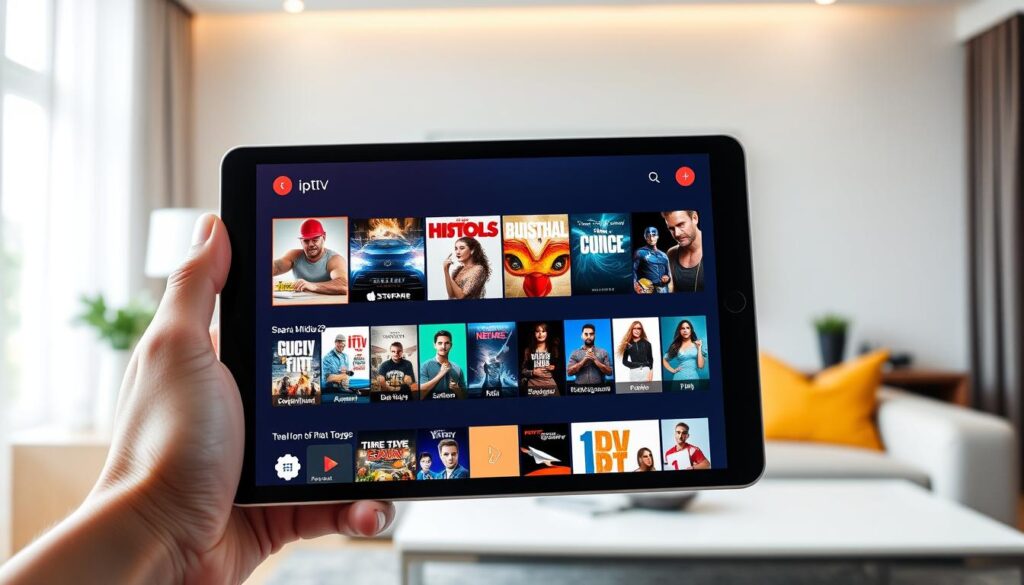
When it comes to streaming, finding the right app can be a game-changer. I’ve tested numerous applications on the Apple ecosystem, and one stands out: Snappier IPTV. This iptv player is designed exclusively for Apple devices, providing an optimized experience on Apple TV, iPad, and iPhone.
What makes this app my top choice? It combines powerful built-in media players with an intuitive interface. Navigating through live channels and on-demand content becomes effortless. Moreover, it respects user privacy by not sharing personal data or engaging in tracking, which is a significant advantage for me.
Snappier IPTV allows users to bring their own content through M3U playlists or Xtream Codes. This flexibility ensures I can access a variety of sources without being tied to a single provider. With a 5-star rating and dedicated developer support, this app has proven to be a reliable streaming solution for my daily media consumption.
Key Takeaways
- Snappier IPTV is a top-rated app for Apple devices, ensuring a seamless streaming experience.
- The app prioritizes user privacy, never sharing personal data.
- Supports multiple content sources via M3U playlists and Xtream Codes.
- Offers a user-friendly interface with built-in media players.
- Active developer support enhances the app’s reliability.
Why I Choose Snappier IPTV for Superior Streaming
In the realm of streaming, the choice of an application can significantly influence your viewing experience. My streaming needs are straightforward: I demand reliable access to live channels, an extensive library of movies and series, and an interface that does not waste my time with clunky navigation.
Snappier IPTV addresses my requirements by functioning as a pure iptv application that puts me in full control of my content sources through my chosen provider. Unlike traditional IPTV services that bundle mediocre content with their platform, this app lets me bring my own subscription and simply delivers the best playback experience available.
I appreciate that Snappier IPTV performs M3U and EPG parsing in the background, ensuring my channel list and program guide are always ready the moment I open the app. The application supports both free and paid provider options, though I have found that Xtream Codes compatible services unlock the full potential of every feature.
What sets this iptv app apart from conventional offerings is its refusal to compromise on quality. It supports 4K streaming, automatic HDR, and framerate matching on Apple TV. The free version allows me to evaluate the complete feature set with only a watermark appearing after 60 seconds, giving me ample time to confirm that Snappier IPTV meets my demanding standards.
Overall, I have discovered that the combination of powerful built-in media players, comprehensive content management, and responsive developer support creates an ecosystem that traditional IPTV services simply cannot match.
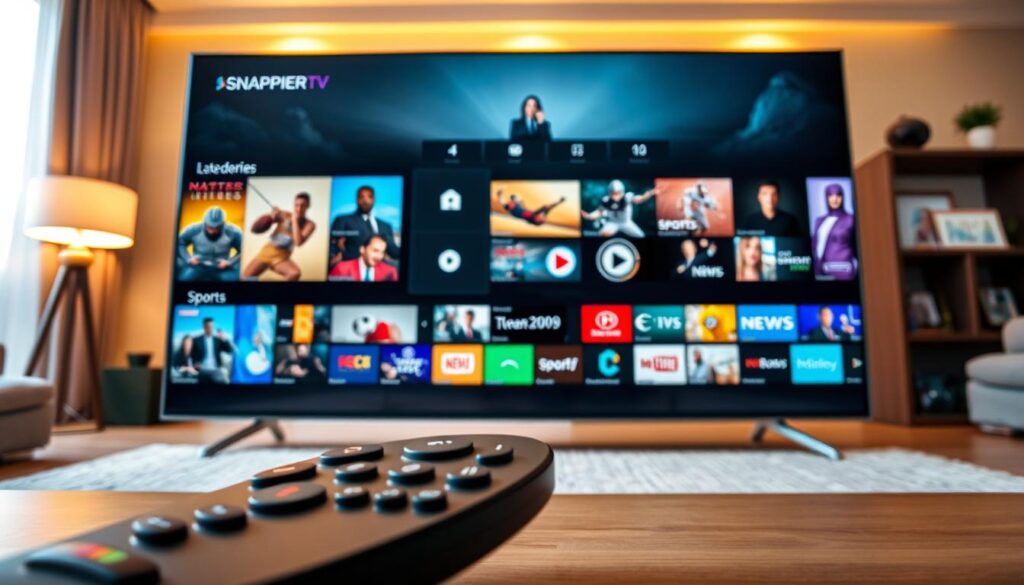
Powerful Features That Set Snappier IPTV Apart
The right app can redefine your streaming journey with its innovative functionalities. Snappier IPTV stands out due to its powerful built-in media players and versatile features that enhance the overall viewing experience.
Multiple Built-In Media Players – KSPlayer, VLC, and More
The cornerstone of this app’s superiority lies in its powerful built-in media players. I can switch between KSPlayer, VLC, and MPV depending on the codec or stream type I am watching. This flexibility eliminates the frustration of incompatible formats.
KSPlayer handles virtually every codec natively, while VLC offers additional de-interlace options for older content. Sometimes, I even launch streams directly into Infuse or the standalone VLC app for enhanced capabilities without leaving the Snappier IPTV ecosystem.
Seamless Subtitle and Audio Track Support
The subtitle support in this app is genuinely comprehensive. It integrates with OpenSubtitles.com and utilizes AI-powered speech recognition on my iPad and iPhone to generate subtitles when none are available. I can customize my subtitle appearance extensively, adjusting font size, color, and background opacity to suit my viewing preferences.
Picture-in-Picture and Multi-Screen Viewing for Enhanced Experience
Picture-in-Picture mode has transformed how I multitask on my iPad. I can keep live channels playing in a floating window while browsing other apps or checking emails. The multi-screen view is a game-changer for sports fans like me, allowing me to watch up to 9 channels simultaneously, perfect for following multiple matches throughout the day.
Auto Resume, Catchup TV, and Fast Forward Controls
Another fantastic feature is Auto Resume, which remembers exactly where I left off in any movie or series episode. This way, I never waste time searching for my place when I return to content later. The Catchup TV functionality, when supported by my provider, lets me rewind and watch programs I missed.
Additionally, customizable fast forward skip intervals give me precise control over playback. The automatic HDR and framerate matching on my Apple TV ensure that every movie series and live channel displays with optimal picture quality without manual configuration.
These features collectively make Snappier IPTV the most capable iptv app I have ever used for both live channels and series streaming across every genre of content.

Snappier IPTV’s Comprehensive EPG and Playlist Management
The management of channels and program data can make or break your streaming experience. With Snappier IPTV, I found a robust built-in EPG service that seamlessly integrates with my content sources.
This EPG automatically matches my channels to program listings without requiring any manual configuration. Unlike other apps that rely solely on provider epg data, Snappier IPTV fills gaps when my provider’s guide is incomplete. This ensures I always know what is playing across every channel.
The lightning-fast guide loading is impressive. Even the largest TV guide files load in seconds, thanks to multiple processing engines working in parallel in the background.
Built-in EPG Service with Lightning-Fast Guide Loading
The built-in EPG service is a standout feature. It loads quickly and efficiently, providing a smooth user experience. I can easily access information about live channels and upcoming shows without any delays.
Multi-Playlist Support and Xtream Codes Login Integration
I manage multiple playlists simultaneously, adding several IPTV providers side by side through both playlist links and xtream codes login integration. This flexibility allows me to maximize content coverage effortlessly.
The xtream codes login option simplifies setup dramatically. I enter my credentials once, and the app handles all playlist and EPG data synchronization automatically. This means I can focus on enjoying my content rather than troubleshooting.
Custom Categories, Favorites, and Content Management Controls
Super Playlists have revolutionized how I browse content. They combine channels from every provider into a single unified view. This way, all my sports channels or movies appear in one list, regardless of the source.
Custom categories with drag-and-drop organization let me build channel groups that match my viewing habits. The unified favorites system spans live TV, movies, and series, keeping my most-watched content just a tap away.
Content management controls give me complete authority over my library. I can hide irrelevant channels, rename confusing entries, and filter by keyword to eliminate clutter. The global search across all content types delivers instant filtered results, making it easy to find specific movies or live channels.
For sports enthusiasts, the live fixtures and scores feature, combined with team pinning, ensures I never miss a match that matters to me.
| Feature | Description |
|---|---|
| Built-in EPG | Automatically matches channels to program listings without manual configuration. |
| Fast Loading | Loads large TV guide files in seconds using multiple processing engines. |
| Multi-Playlist Support | Allows simultaneous management of multiple IPTV providers. |
| Xtream Codes Login | Simplifies setup and syncs playlists and EPG data automatically. |
| Super Playlists | Combines channels from various providers into a single view. |
| Custom Categories | Drag-and-drop organization for personalized channel groups. |
| Content Management | Options to hide, rename, and filter channels for better organization. |
| Global Search | Instant results across all content types, simplifying navigation. |
Multi-Device Compatibility and Cloud Syncing Made Simple
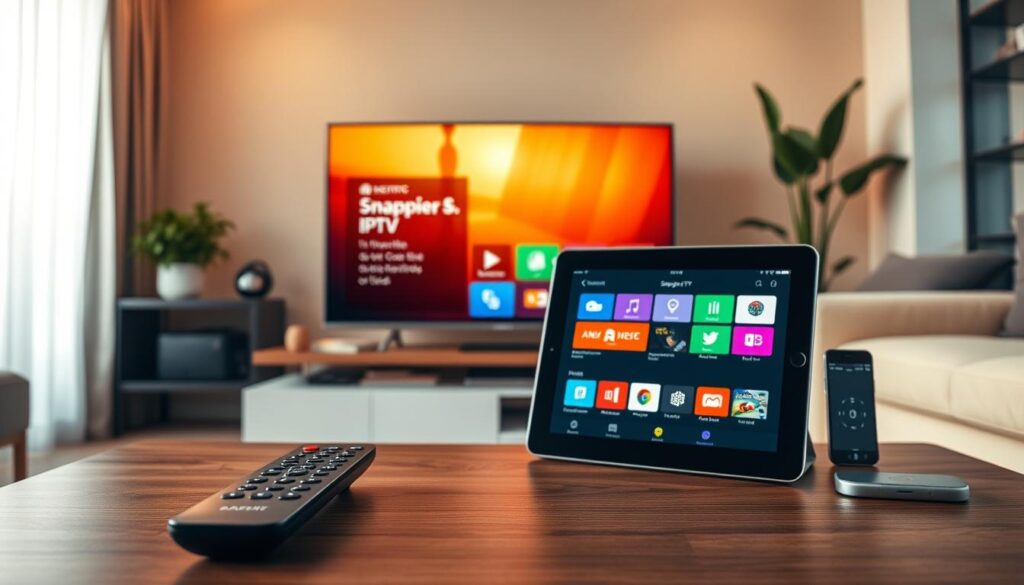
Navigating the world of streaming apps becomes effortless with the right choices in device compatibility. Snappier IPTV is purpose-built for the Apple ecosystem, ensuring flawless performance whether I am streaming on my Apple TV 4K, iPad Pro, or iPhone.
Designed for Apple TV, iPad, and iPhone Devices
This app is designed exclusively for Apple devices, providing an optimized experience tailored to each platform. With every feature fine-tuned for hardware, I enjoy smooth playback and vibrant visuals.
Seamless iCloud Sync and Profile Personalization
The iCloud sync functionality keeps my settings, favorites, and watch progress in perfect harmony across devices. I can start a movie on my Apple TV and continue on my iPad without missing a beat.
Additionally, I have created multiple user profiles for my household. Each family member enjoys a personalized experience with separate favorites, watch progress, and home screen layouts. The Link Family feature lets me share a pre-configured profile with my child’s Apple TV using a secure pairing code, complete with parental controls and curated channels.
Cross-Device Viewing and Watch Progress Tracking
Watch progress tracking works automatically across devices for every movie and series I watch. The app always knows exactly where I left off, regardless of which device I used last.
tvOS Top Shelf integration places my favorite content prominently on the Apple TV home screen with rich artwork, making the app feel like a native part of the tvOS experience. iOS Widgets bring my recently watched and continue watching lists directly to my iPhone home screen, giving me instant access to content without opening the app.
With the app’s exclusive focus on Apple devices, every feature is optimized for the hardware it runs on. This includes automatic HDR switching on Apple TV and native Picture-in-Picture on iPad. I value that my playlist data and provider configurations remain consistent across devices through cloud syncing, eliminating the frustration of managing separate setups for each screen.
Cross-device viewing has fundamentally changed how I consume media. I can watch live channels on my Apple TV, catch up on series streaming on my iPad during commutes, and check scores on my iPhone.
Advanced Settings, Privacy, and Community Support
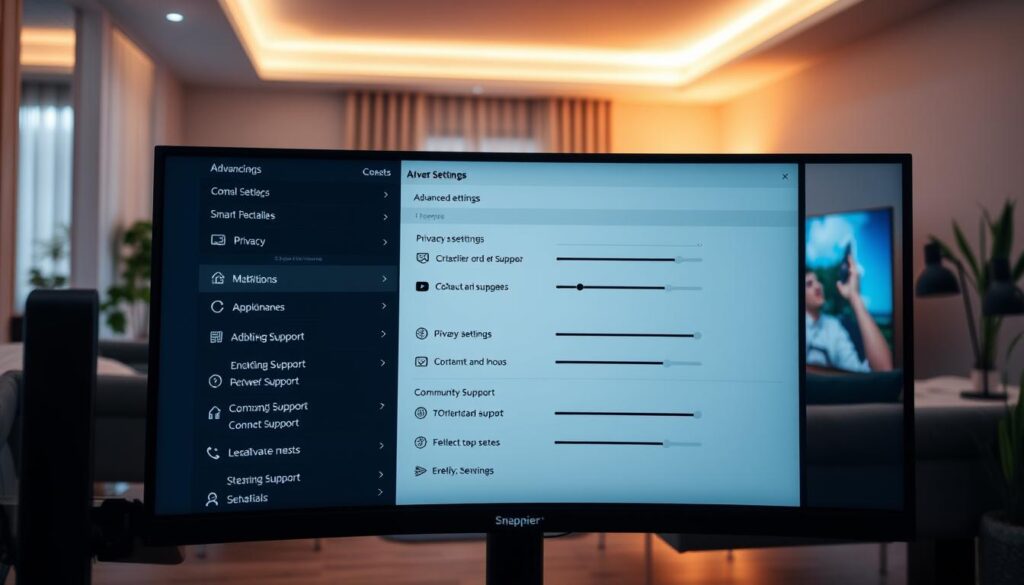
In today’s digital age, having control over your streaming experience is essential. The right app not only provides content but also ensures that your preferences and privacy are respected. Snappier IPTV excels in this area, offering advanced settings that enhance user autonomy and security.
Parental Controls and Profile Security
I take content security seriously, and Snappier IPTV’s PIN-protected parental controls allow me to lock specific channels and entire categories. This feature ensures my children only access age-appropriate content, giving me peace of mind while they explore the app.
Data Privacy by Design and No Tracking Policy
The privacy policy of this iptv application is refreshingly straightforward. My data stays mine, with no personal information shared, no tracking mechanisms, and no analytics sold to third parties. This commitment to privacy is crucial in today’s environment, where data security is a growing concern.
Access to Developer Support and Vibrant Community on Discord
Direct developer access through Discord has been invaluable. I have received real answers from the team without waiting in ticket queues or sending emails into the void. The vibrant Discord community, comprising hundreds of Snappier IPTV users, shares tips, setups, and solutions, making it easy to find help for any configuration challenge I encounter.
I actively participate in shaping the app’s roadmap by requesting features and voting on upcoming changes. Knowing that my feedback directly influences development priorities makes me feel like a valued member of the community.
Additional Features for Enhanced User Experience
The free Snappier Server companion app for macOS, Windows, and Linux has expanded my setup into a full media center. It enables PVR recording, downloads for offline viewing, and server-side catchup. Backup and restore options, including JSON export and CloudKit backup, ensure that my carefully configured playlists and settings are always recoverable.
Trakt.tv bidirectional sync keeps my watch history accurate across platforms, while TMDB integration enriches my library with posters, ratings, and metadata automatically. The app’s support for additional content sources through TorBox, AIOStreams, and native Plex and Emby browsing consolidates all my media into one unified interface.
Network diagnostics tools built directly into the app help me troubleshoot connectivity issues without leaving the interface or consulting external resources.
| Feature | Description |
|---|---|
| Parental Controls | PIN-protected controls for channel and category locking. |
| Privacy Policy | No personal data shared, no tracking, and no analytics sold. |
| Developer Access | Direct support via Discord without ticket queues. |
| Community Support | A vibrant user community sharing tips and solutions. |
| Backup Options | JSON export and CloudKit backup for settings recovery. |
| Trakt.tv Sync | Bidirectional sync for accurate watch history. |
| TMDB Integration | Automatic enrichment of library with metadata. |
| Network Diagnostics | Built-in tools for troubleshooting connectivity issues. |
Conclusion
Finding the perfect app can transform how you enjoy your favorite shows and movies. After extensive use across all my Apple devices, this IPTV application has proven itself as the definitive choice for anyone serious about streaming.
The combination of powerful built-in media players, comprehensive EPG management, and seamless multi-device syncing creates an ecosystem unmatched by any other player on the market. Its respect for user privacy, along with direct developer support through Discord, establishes a level of trust that is rare in this space.
Whether I’m watching live channels, browsing my library of movies and series, or managing multiple playlists, this app delivers consistent performance without compromise. For anyone seeking a premium IPTV player that combines technical excellence with user-friendly design, this app represents the clear choice in today’s streaming landscape.
I encourage fellow streaming enthusiasts to join the Discord community, explore the feature set with the free version, and discover why this app has earned its 5-star reputation among discerning users.